
Light Switch Not Working? A Safe Way to Find the Fault
A calm, safe order of checks for a light switch or dimmer that has stopped working, plus what a warm, crackling or sparking switch really means and when to call an electrician.

By Yousif Imari
Senior Engineer•16 October 2026
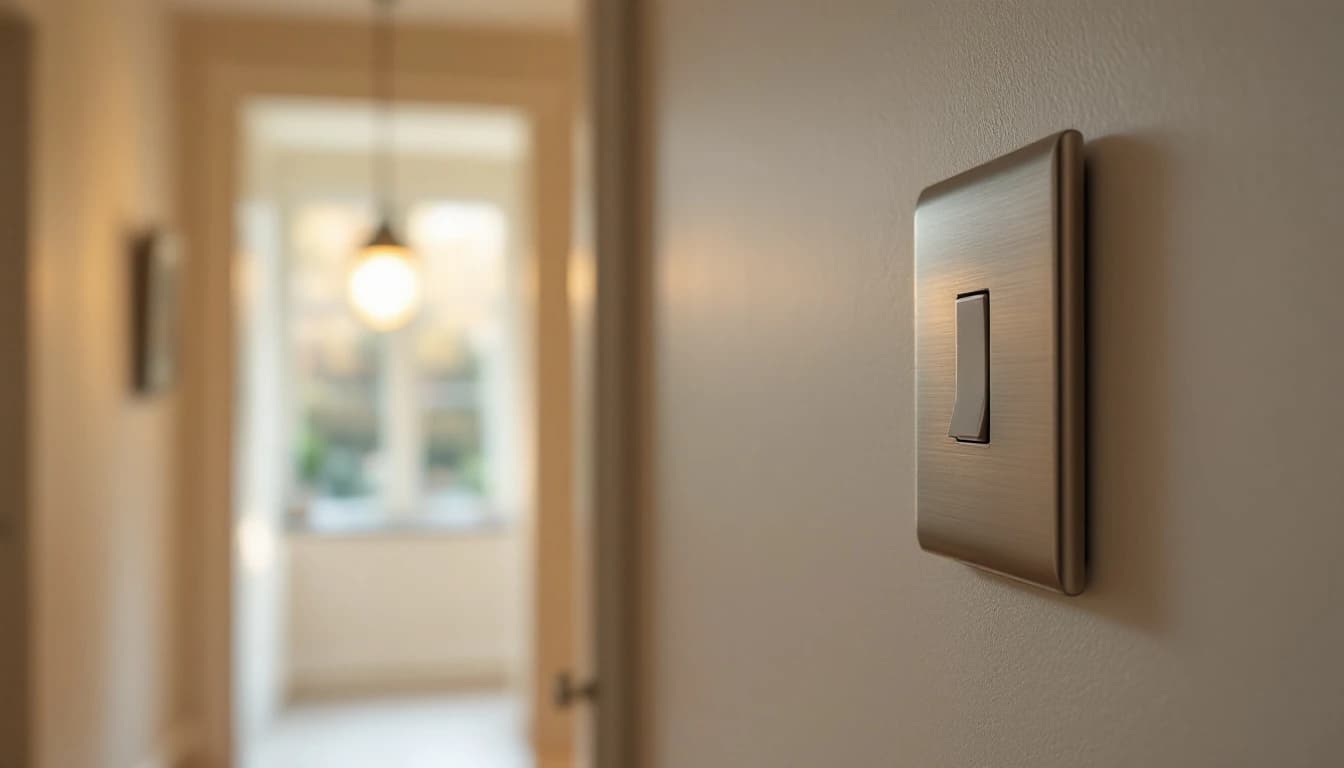
When a light switch stops working, the switch itself is rarely the first thing to blame. Check in this order: the bulb, then the lighting breaker in your consumer unit, then whether it's one light or a whole floor. You can do all of that without a screwdriver. A hot or crackling switch is different: leave it alone and call an electrician.
It's the order we follow on callouts, minus anything that needs test equipment.
What you can safely check, and what you can't
You can change a bulb with the switch off and the fitting cool, check the consumer unit, reset a tripped breaker once, and try the switches. Don't unscrew a switch plate or take down a fitting. Electrical Safety First draws the line well: when a circuit breaker trips, you can simply reset the switch, but you first need to find and correct the fault, or get an electrician to.
1. Rule out the bulb or the LED driver
Swap in a bulb you know works, with the same cap and type. It sounds too simple, but a dead LED looks exactly like a working one.
While you're looking up, check the fitting. For downlights, Electrical Safety First suggests looking for markings showing the lamp wattage and type, and for signs of overheating such as curled labels and discolouration or scorching. Any of those means stop and get it looked at.
Some newer fittings have the LEDs built in, with no bulb to change. If one of those goes dark while others on the same switch still work, the LED module or its driver has most likely failed, which is a job for an electrician.
2. Check the lighting breaker
Open the consumer unit and find the breaker labelled lights, or upstairs and downstairs lights. A tripped one sits down or halfway, out of line with its neighbours. Reset it once.
If it trips again straight away, or the moment you flick the light switch, leave it off. That's a fault on the circuit or in a fitting, and resetting it repeatedly won't clear it. If several circuits went off together, an RCD has more likely tripped, which points to a fault anywhere on the circuits it protects.
3. One light or a whole floor?
This is the question that narrows things down fastest.
- One light dead, the rest of the floor fine: the bulb, that fitting or that switch
- Every light on a floor out, breaker still on: a loose connection or damaged cable somewhere on the circuit, which needs tracing with test equipment
- Lights out, sockets fine: it's the lighting circuit, not your supply
- Sockets out, lights fine: the opposite problem, covered in our guide to a plug socket not working
A switch that feels different is a clue too. If the rocker is floppy or only works when held at an angle, the mechanism has probably worn out. A like-for-like replacement is a quick job for an electrician. If it's a smart switch fitted where there's no neutral wire, odd behaviour has a different cause, covered in our guide to smart light switches without a neutral.
Age matters as well. Electrical Safety First lists signs that an installation may be over 40 years old and may need rewiring, and says how often wiring should be checked:
- Light switches: older round switches, or brown and black ones
- Light fittings: braided flex hanging from ceiling roses
- Bathrooms: wall-mounted light switches
- Cables: coated in black rubber, lead or fabric
- Fuse box: a wooden back, cast iron switches or a haphazard mixture of fuse boxes
- How often to have wiring checked: by a registered electrician at least every ten years
Source: Electrical Safety First, How Safe Is Your Home? (2025 edition).
If your dead switch looks like one of those, an inspection of the whole installation is worth more than a new switch.
4. Two-way and intermediate switching
Stairs are the classic case of a light you can control from more than one place. As switch maker G&H explains, the first and last switches on the circuit are two-way switches, and any in between are intermediate switches.
Faults here have a tell-tale pattern. The light works from one switch, but only when the other is in a certain position, or the middle switch does nothing at all. That usually points to a worn switch or a loose connection on the cables linking the switches. Before you call, try every combination and jot down which ones work.
Dimmers add a twist. On a two-way circuit, Varilight's instructions say to replace only one switch with a dimmer, and its FAQs add that you can only use one push on/off dimmer in a two-way circuit, alongside a normal switch. A dimmer at both ends can explain strange behaviour on its own.
Dimmer switch not working? Check the load first
Many dimmer problems come down to the lights connected to them. Here's how one British manufacturer rates its range.
- Varilight V-Pro (trailing edge, for LEDs): 0-120W or 0-300W per gang, no minimum load
- Varilight V-Com (for LEDs that need leading-edge control): 0-100W, 15-180W, 15-220W, 20-400W or 40-600W, where the first figure is the minimum
- Varilight V-Dim (halogen): up to 1000W depending on model, at least 100W recommended, and not recommended for dimmable LEDs
- A typical LED load: eight 5W downlights add up to just 40W
Source: Varilight dimmer FAQs.
That last line is the whole problem with LEDs on an old dimmer. Swap eight 50W halogens for 5W LEDs and the load falls from 400W to 40W, which can sit below the minimum an older dimmer needs. Below the minimum, Varilight says, the lights may flicker. Our guide to why LED lights buzz or glow covers the noise and ghosting side of the same mismatch.
The dimmer has switched itself off
An overloaded dimmer protects itself. Varilight says its V-Pro, V-Com and V-Dim dimmers switch off until the overload is removed. Its first suggested fix is a reset: switch the lighting circuit off at the breaker, then back on after a few seconds. If it keeps happening, the lamps probably add up to more than the dimmer's maximum. That rating is on the data sheet and on a label on the back of the dimmer, so if you don't have the box, leave the checking to us rather than taking the plate off.
You changed the bulbs and it hasn't been right since
Programmable LED dimmers such as Varilight's V-Pro store settings, like minimum brightness and dimming mode, for the lamps they were set up with. Varilight advises a factory reset if you change the type of lamp. On its V-Pro range that's a sequence of turns and presses on the knob, set out in the instruction leaflet, with no tools involved. Check every bulb is marked dimmable too: Varilight says its dimmers aren't designed for mixed lighting types on one circuit.
It switches on and off but won't dim
For dimmers outside its V-Pro and V-Com LED ranges, Varilight says this usually means a component inside has failed, typically from a "plasma" when a mains halogen bulb such as a GU10 blows. A dimmer with that fault needs replacing.
It stopped working after electrical testing
Varilight's V-Pro instructions tell installers to disconnect the dimmer before insulation resistance testing to avoid damage. If a dimmer worked before someone tested the circuit and not afterwards, mention that when you book.
Sparking or hot switches: what's normal
Some of this is normal. Some of it isn't.
- A dimmer slightly warm to the touch: normal, particularly near its maximum load, because it passes heat to the front plate through a heat sink
- A faint flash at the instant you flick a switch: can be normal, as switches create small arcs in everyday use
- Buzzing or crackling: not normal, as Electrical Safety First describes these as the sounds of arcing
- Burn marks, scorching or discolouration: not normal
- A switch that feels hot rather than faintly warm: not normal
- Breakers tripping when you use it: not normal
Sources: Varilight FAQs, Schneider Electric UK and Electrical Safety First fire prevention tips.
On that second line: Schneider Electric designs its arc fault devices to tolerate "electrical arcs caused by the normal operation of electrical devices such as switches". So a tiny flash glimpsed now and then, with no crackle or smell, isn't a reason to panic. A flash with a crackle, or one that leaves a mark on the plate, is a different story. Schneider says arc temperatures can exceed 5500°C and may ignite fires, and Electrical Safety First's advice for burn marks or crackling is to get a registered electrician to check your electrics as soon as possible.
If a switch is sparking or scorched
- Stop using it, and don't touch it if the plate is damaged or hot.
- Turn off that lighting circuit at the consumer unit, or the main switch if you're not sure which breaker it is.
- If there's smoke or flame, get everyone out and call 999.
- Otherwise leave the circuit off and call an electrician.
Electrical Safety First's advice is to find out where your main switch is now, so you can turn the electricity off in an emergency. A scorched switch is one of the faults our emergency electricians treat as urgent, because scorching means overheating behind the plate.
When to stop and call an electrician
- The lighting breaker trips again after one reset
- A whole floor of lights is out and the breaker is on
- A switch is hot, crackling, scorched or smells of burning
- A built-in LED fitting has gone dark
- A two-way or intermediate circuit still misbehaves after you've tried every combination
- A dimmer is still dead after a reset and a bulb check
Our fault finding and repairs team traces the cause rather than swapping parts until something works. If the answer is an LED-rated dimmer or new fittings, that's part of our lighting installation work.
Frequently asked questions
Why has my light switch suddenly stopped working?
Check the bulb, then the lighting breaker. If both are fine and the switch feels loose or no longer clicks, the mechanism has probably worn out and needs replacing by an electrician.
Why is my dimmer switch not working with LED bulbs?
Often the dimmer was built for halogen and the LEDs draw too little power. Varilight says lights may flicker below a dimmer's minimum load. An LED-rated dimmer with no minimum load is the usual fix.
Is it normal for a light switch to spark?
A tiny flash as you flick it can be, because switches make small arcs in normal use. Crackling and burn marks are not, and need a registered electrician.
Why does my dimmer switch feel warm?
Varilight says slight warmth is normal, especially near the dimmer's maximum load. Hot or discoloured is different: turn it off at the breaker and call an electrician.
Is a light switch that's stopped working dangerous?
Not always. A dead switch with no heat or burn marks is usually a worn mechanism or a fault elsewhere on the circuit. One that's hot or crackling is a fire risk.
Why does my stair light only work from one switch?
That's a two-way switching fault, usually a worn switch or a loose connection between the switches. Note which positions work, then have an electrician trace it.
Got a switch or dimmer in your London home that won't behave? See our fault finding and repairs service or call us on 020 3653 2600 for a straight answer and a fixed quote.
Related reading
Outside Light Not Working? Safe Checks Before You Call
Outside light or PIR security light not working? The safe order to check it, from the indoor switch and sensor dials to the rainy-night RCD trip that means it's time to call us.
Read morePlug Socket Not Working? How to Find the Fault Safely
One dead socket or a whole room? The answer changes everything. How to check the consumer unit, test safely, and spot the loose connection we find most often.
Read moreBathroom Extractor Fan Not Working? Causes and Checks
A dead bathroom fan is usually a tripped isolator, a failed timer, a seized motor or a blocked duct. Here's how to tell which, and what you can safely check.
Read more